Blog

Latest news, guides and updates.

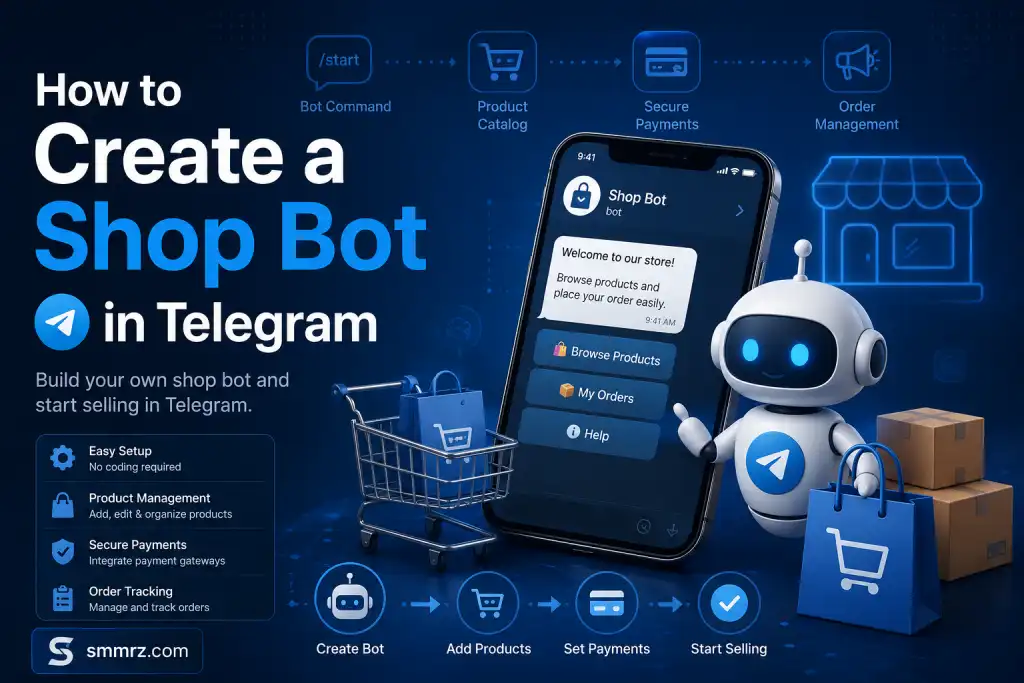
How to create a shop bot in Telegram? (A real guide from scratch to automated sales)

How to create a shop bot in Telegram? (A real guide from scratch to automated sales)


When I first decided to automate sales in Telegram, I thought that creating a shop bot meant just a few buttons and connecting to a payment gateway. But the truth is that if you design the structure incorrectly, even the best bot will not make you sales.

What I learned along the way was that a “shop bot” is more of a sales system than a technical tool. If you look at it this way, the result is completely different.

In this article, I will show you exactly the same path that I took; from creating the first bot to the point where sales became completely automated.


Getting Started: Make This Decision Before Building a Bot


The biggest mistake I made when I first started was jumping into building a bot without a plan. I spent a few days building a bot, but it was never used.

The problem was that my sales model was unclear.

You need to determine what you are going to sell from the very beginning, because this decision affects the entire structure of the bot. Selling files, selling services, or selling physical products, each has a different path.

For example, when I focused on selling SMM services, I realized that the most important thing for me was fast connection to the API and instant delivery of the service, not the complicated design of the bot's appearance. This change of perspective made my entire path change.


Creating a bot via BotFather (but with one important tip)


To get started, you need to use the Telegram bot and go to BotFather inside it.

Creating a bot is very simple on the surface. You give a command, choose a name and finally receive a token. But the point that many do not pay attention to is that this token is actually the key to full access to your bot.

I did not take this seriously at first and once lost access to my bot due to a mistake in storing the token. If I were to give one important piece of advice, it is to store the token like a bank account password.


Designing the Purchase Path; Where Sales Are Made or Broken


Most people who build bots focus on features, not on user experience. I made the same mistake.

At first, my bot was full of different options; too many categories, long descriptions, complicated paths. The result? The user was confused and did not buy.

After a few tests, I simplified the entire structure. The user entered the bot, quickly reached the product, made a selection, and paid. That's it.

This simplicity led to a significant increase in conversion rates.

If I had to sum up my experience in one sentence: every additional click means one less customer.


Connecting to a payment gateway; the critical point


Until you have automated payments, your store is basically half-done.

I used to use the card-to-card method at first. It may seem simple, but managing orders was a nightmare. The user would send a receipt, I had to check it, manually confirm it… it literally took me a long time.

When I connected the payment gateway, everything changed. The user would pay and the system would do the rest.

If your target market is Iran, intermediary gateways are usually the best choice. If you are working on an international market, you should go for global payment methods or cryptocurrencies.


Connecting to the API; Where Real Automated Sales Begins


This was the most important part that transformed my business.

When I connected the bot to the SMM panel API, I didn’t have to do anything manually. The user placed an order, the payment was made, and the service was automatically sent.

Before this step, I had sales, but they were limited. After connecting to the API, sales became scalable.

If you are also working in the field of services such as members, views, or followers, this part is vital for you.


Features That Really Matter (Not Just Cool)

Along the way, I added a lot of features to the bot, but they didn’t all have the same impact.

What really made a difference in sales were things like the user’s wallet, order status display, and quick response. On the other hand, some features just cluttered the bot’s appearance without adding any real value.

Here again, the principle of simplicity wins.


Testing, Error, and Optimization; The Step You Shouldn’t Skip

No bot is perfect from the start. Mine wasn’t either.

I went through the buying process myself several times, had my friends test it, and even observed the behavior of real users. Each time, I found a small flaw that affected sales.

This step may be tedious, but it’s exactly what turns a regular bot into a vending machine.


Summary from real experience


If I were to start from scratch today, my path would be much shorter. Because I know what to focus on.

First, I define the sales model, then I create a simple bot, quickly connect it to the payment gateway, and finally connect it to the API. The rest will become important in the next step.

The truth is that success in Telegram sales does not depend on the tool, it depends on a correct understanding of the sales process.

The bot is just an intermediary; it is the user experience design that makes money
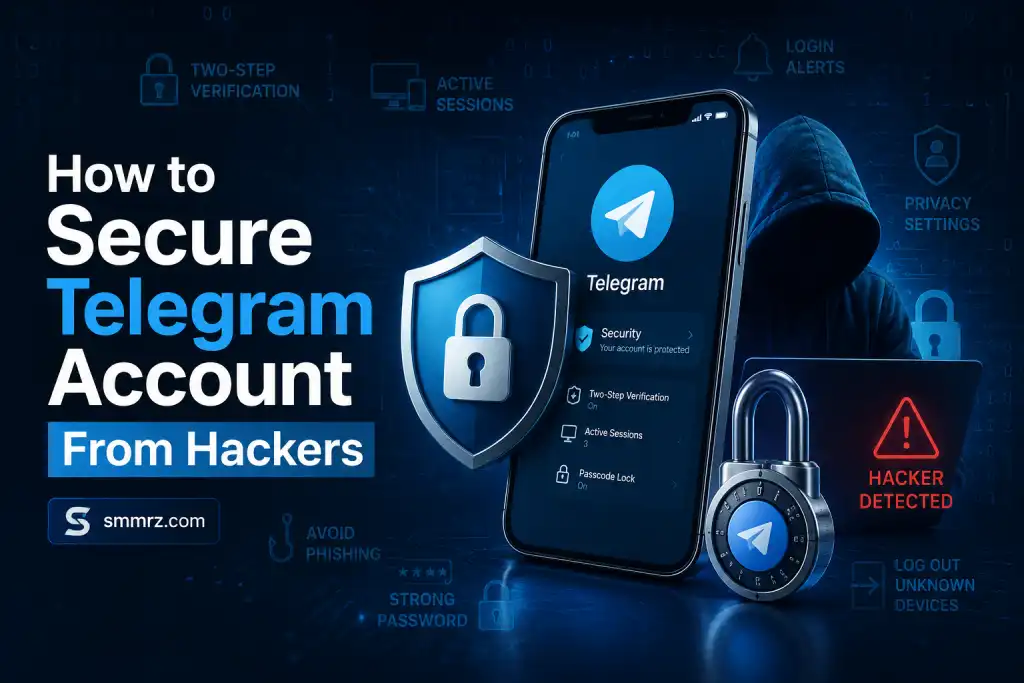


How to Stop Hackers From Accessing Your Telegram Account

How to Stop Hackers From Accessing Your Telegram Account


If you think Telegram accounts only get hacked when they belong to celebrities, large channel owners, or crypto users, you may already be making a serious security mistake. Today, most Telegram account thefts happen not through advanced hacking, but through fake links, stolen login codes, or a simple mistake that takes only seconds.

Many users realize their account was compromised only after suspicious messages are sent from their profile or they lose access to their channels and private data. The reality is that Telegram security depends not only on the app itself, but also on your awareness and security habits.

In this article, you’ll learn the most effective ways to protect your Telegram account from hackers, phishing attacks, and unauthorized access using trusted security practices recommended worldwide.


How to increase the security of your Telegram account?


Today, Telegram is not just a simple messenger. Millions of people around the world use it for personal conversations, business management, work activities, file storage, channel membership, and even financial transactions. This has made Telegram accounts an attractive target for hackers, scammers, and phishing attacks.

In recent years, there have been numerous reports of Telegram account theft; from hacking of ordinary users to sophisticated attacks against channel administrators, crypto activists, and business owners. Many of these attacks occur not because of Telegram's technical weaknesses, but because of user security mistakes.In this article, we will examine, in a completely technical and practical way, how to greatly increase the security of your Telegram account and reduce the possibility of hacking or unauthorized access.


Enabling Two-Step Verification is the most important security step


The biggest mistake that many users make is completely trusting the SMS code or Telegram login code. If someone gains access to your SIM card or gets the login code through phishing attacks, they can log into your account.

To prevent this problem, Telegram has provided a feature called Two-Step Verification. By enabling this feature, in addition to the login code, an additional password will be required to log into your account.


To enable this feature:

Go to Settings

Open the Privacy and Security section

Tap on Two-Step Verification

Set a strong password

Be sure to add a valid recovery email

This password should be completely different from the password for your email, Instagram, or other accounts. Using duplicate passwords is one of the most common reasons for hacking into online accounts.


Don’t use simple, easy-to-guess passwords

Passwords like:

123456

password

date of birth

phone number

first name

are still among the most commonly used passwords in the world and can usually be guessed in a matter of seconds.


A secure password should:


be of appropriate length

contain uppercase and lowercase letters

contain numbers and special characters

not easy to guess

Cybersecurity managers often recommend using a password manager to securely store complex passwords.


Regularly check the devices connected to your account


Telegram allows you to log in from multiple devices at the same time. This feature is very useful, but if someone secretly logs into your account, they may be able to access your messages without you knowing.

To check active devices:

Log in to Settings

Go to the Devices or Active Sessions section

Here you can:

See all connected devices

Check the approximate location and type of device

Delete suspicious sessions

If you see an unknown device, immediately terminate it and change your Two-Step Verification password.


Beware of phishing links


Today, most Telegram account thefts are done through phishing, not direct hacking.

Hackers usually send deceptive-looking links, such as:

Telegram Premium Gift

Vote for a contest

Receive a prize

Increase followers

Cryptocurrency airdrop

Log in to the channel management panel

When the user clicks on the link, a page similar to Telegram opens and asks for a login code or QR Login. As soon as the information is entered, the user's account is given to the attacker.

Never:

Do not send the Telegram login code to anyone

Do not scan an unknown QR

Do not click on suspicious links

Do not download unknown files.


Hide your phone number


Many social engineering attacks are carried out through your phone number. If your number is visible to all users, the possibility of abuse increases.

In the Privacy and Security settings, you can control:

Who can see your number

Who can find you

Who can call you or add you to groups

It is recommended to set the number visibility to “Nobody” or at least “My Contacts”.


Use Secret Chat for Sensitive Conversations


Many users assume that all Telegram chats are End-to-End Encryption; however, this is only true for Secret Chat. Regular Telegram chats are stored in the cloud.

Secret Chat has important security features:

End-to-End Encryption

Prevent Forwarding

Self-Destruct Timer

Screenshot Restrictions on Some Devices

If you are exchanging highly sensitive information, Secret Chat is a safer choice.


Enable Telegram App Lock


If someone gains physical access to your phone, they can log into Telegram even without hacking.

Telegram has an App Lock feature that allows you to:

Set a password to log into the app

Use your fingerprint or Face ID

Lock the app after a certain period of time

This feature is especially important when:

Your phone is lost

Your phone is stolen

Someone else has access to your device.


Take the security of your Telegram email seriously


If your recovery email is hacked, the attacker may also be able to access your Telegram account security settings.

For your email, you should also:

Have a strong password

Enable two-step verification

Check your connected devices

Telegram also recommends that your recovery email be highly secure.


What to do after Telegram is hacked?


If you feel your account has been hacked:

Quickly log in to the Devices section

Delete all anonymous sessions

Change the Two-Step Verification password

Block or replace your SIM card from the operator

Notify your friends and contacts

Do not click on any suspicious links

Telegram has announced that if you still have access to your account on one of your devices, you can disconnect other sessions and restore account security.


Is Telegram secure?


Telegram is technically one of the most advanced messengers in the world, and its MTProto protocol has been repeatedly reviewed by security researchers. Some academic research has also confirmed many of its security features.

But ultimate security does not depend only on technology; user behavior also plays a very important role. Most successful Telegram attacks are due to:

Phishing

Disclosure of login codes

Weak passwords

Downloading infected files

Trust in fake messages

Not directly breaking Telegram's encryption system.


Conclusion


Telegram account security is not something that can be ignored; especially when personal, work or financial information is stored on this messenger. Enabling two-step verification, using a strong password, managing connected devices, avoiding anonymous links and using the official version of Telegram can greatly reduce the chances of an account being hacked.

In today's world, the most important security wall is not just technology; it is user awareness